Setup 3 min read
Install an MCP, a skill or a plugin
Choose individual components or a workflow, with captured installation commands for Claude Code, Codex, Clio Coder and OpenCode.
- Written for
- CLIO Kit 2.11
- Works in
- Claude Code · Codex · Clio Coder · OpenCode
- Basis
- Captured commands · 7 Oct 2026
An MCP server supplies callable tools. A skill supplies instructions. A plugin bundles components for a workflow. Choose the smallest installation that covers your task, then verify actual use in your agent.
1. Install the launcher once
From the source checkout:
git clone https://github.com/iowarp/clio-kit.git
cd clio-kit
uv tool install --force --reinstall --editable ".[verification]"
clio-kit mcp-servers
You need Git, uv, Python 3.10 or newer and the client you intend to use. Keep the
checkout available. If the executable is missing, run uv tool update-shell and
reopen the terminal and client. For a release installation without a checkout,
use the selective installation guide.
2. Add one MCP
Every client starts the same stdio command, clio-kit mcp-server <name>; only
the place you declare it differs. From your working project:
- Claude Code
- Codex
- Clio Coder
- OpenCode
# Writes this project's .mcp.json
claude mcp add --scope project clio-compression -- clio-kit mcp-server compression
# Registers the server in your user Codex configuration
codex mcp add clio-compression -- clio-kit mcp-server compression
For a project-only entry, put the same command in .codex/config.toml under
[mcp_servers.clio-compression]; Codex reads it once you trust the folder.
Save this as .clio-coder/mcp.yaml, then trust it. A project server does not
launch until you do:
version: 1
servers:
  - id: clio-compression
    command: clio-kit
    args: [mcp-server, compression]
    timeoutMs: 120000
clio-coder mcp trust clio-compression
Add the server to the project's opencode.json:
{
  "$schema": "https://opencode.ai/config.json",
  "mcp": {
    "clio-compression": {
      "type": "local",
      "command": ["clio-kit", "mcp-server", "compression"],
      "enabled": true,
      "timeout": 120000
    }
  }
}
The launcher prepares the selected server's isolated dependencies on first use. Registering an MCP is not the same as successfully starting it:
clio-kit doctor --server compression --connect
Then open your client, check its MCP list, and run a small task such as the archive round-trip.
3. Add one skill
A skill is a folder; install it where your client looks for project skills and invoke it the way your client expects:
| Client | Install target | Invoke |
|---|---|---|
| Claude Code | .claude/skills | /storage-format |
| Codex | .agents/skills | $storage-format |
| Clio Coder | .clio-coder/skills | /skill storage-format |
| OpenCode | .agents/skills | "Use the storage-format skill" |
clio-kit skill install storage-format --target .agents/skills

Start a fresh session and check that the skill loads. This skill gives guidance without MCP calls; others declare required tools that must be connected separately.
4. Install a workflow's components
- Claude Code
- Codex
- Clio Coder
- OpenCode
clio-kit plugin install clio-scientific-io \
  --root /path/to/clio-kit --client claude-code --project "$PWD"
This copies the three scientific I/O skills to .claude/skills and writes four
MCP entries to .mcp.json. Claude Code can also install the workflow as a
native plugin; see section 5.
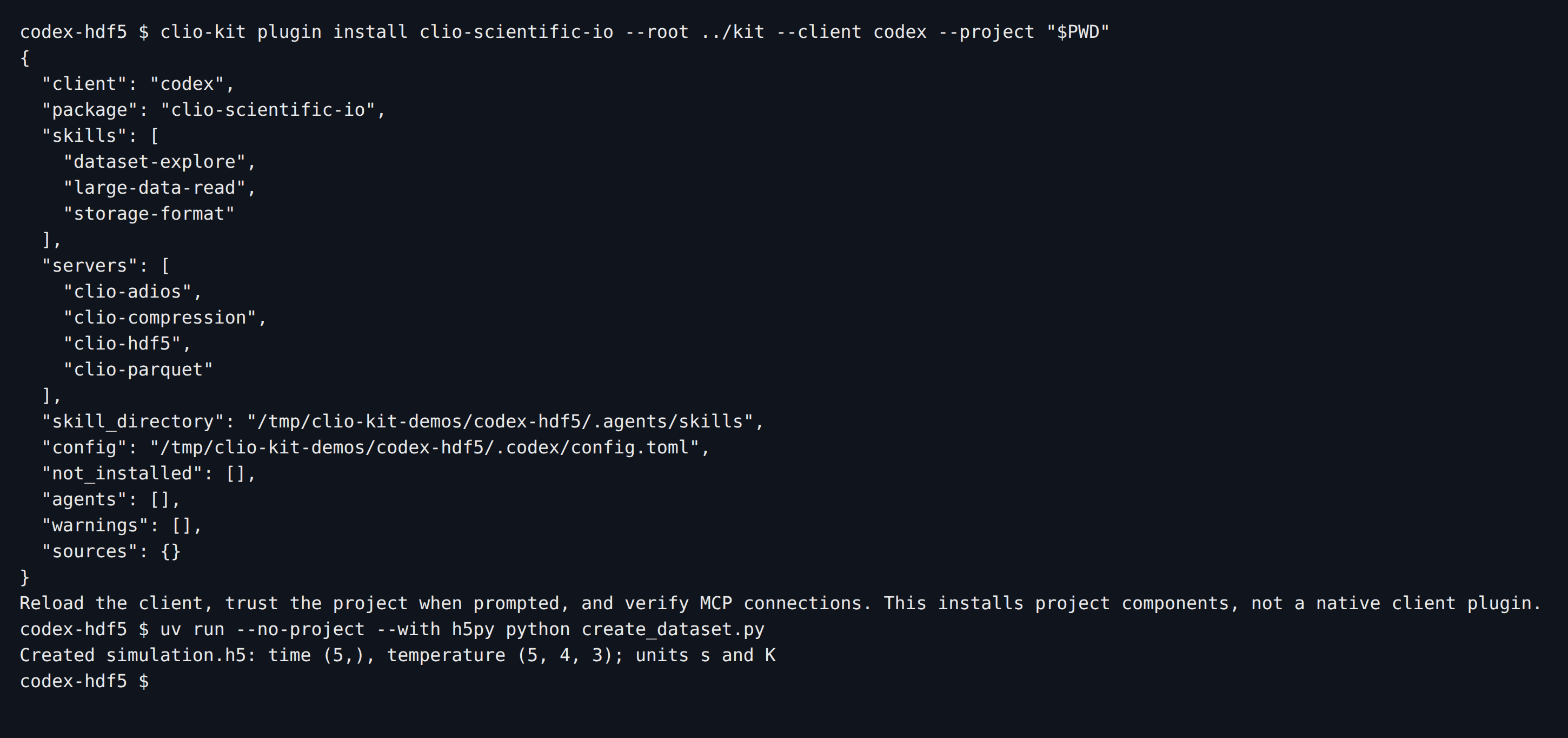
clio-kit plugin install clio-scientific-io \
  --root /path/to/clio-kit --client codex --project "$PWD"
This writes project-local MCP configuration and copies the three scientific I/O
skills. Add --dry-run first to inspect the plan.
Kit has no --client clio-coder adapter. Declare the workflow's servers in
.clio-coder/mcp.yaml, trust each one, and install its skills into
.clio-coder/skills:
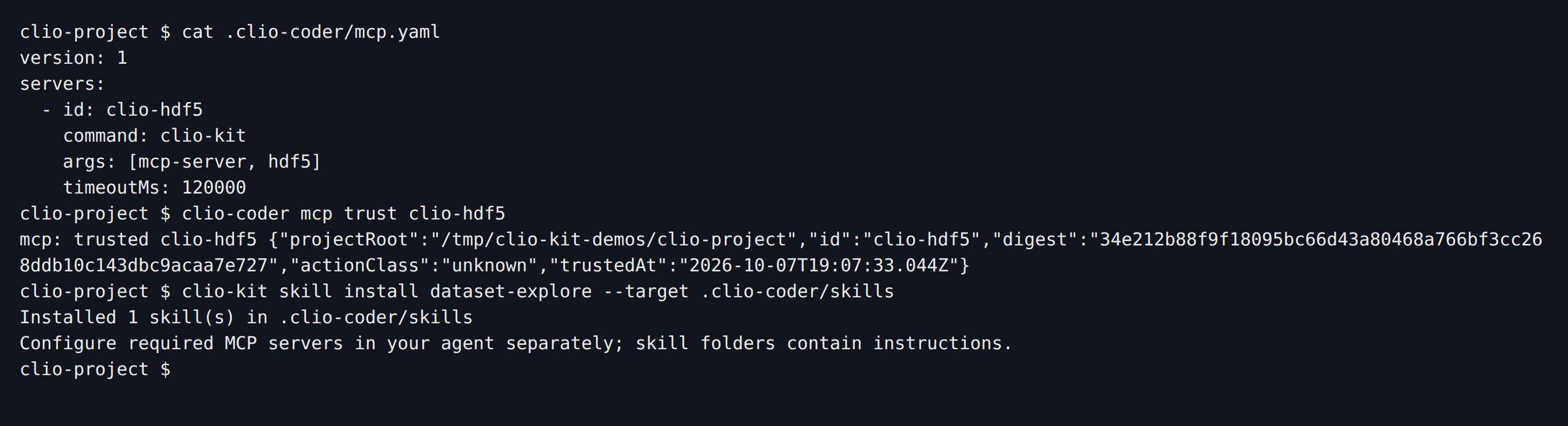
For a whole workflow, list every server it uses, for example clio-adios,
clio-compression, clio-hdf5 and clio-parquet for scientific I/O, and
install dataset-explore, large-data-read and storage-format.
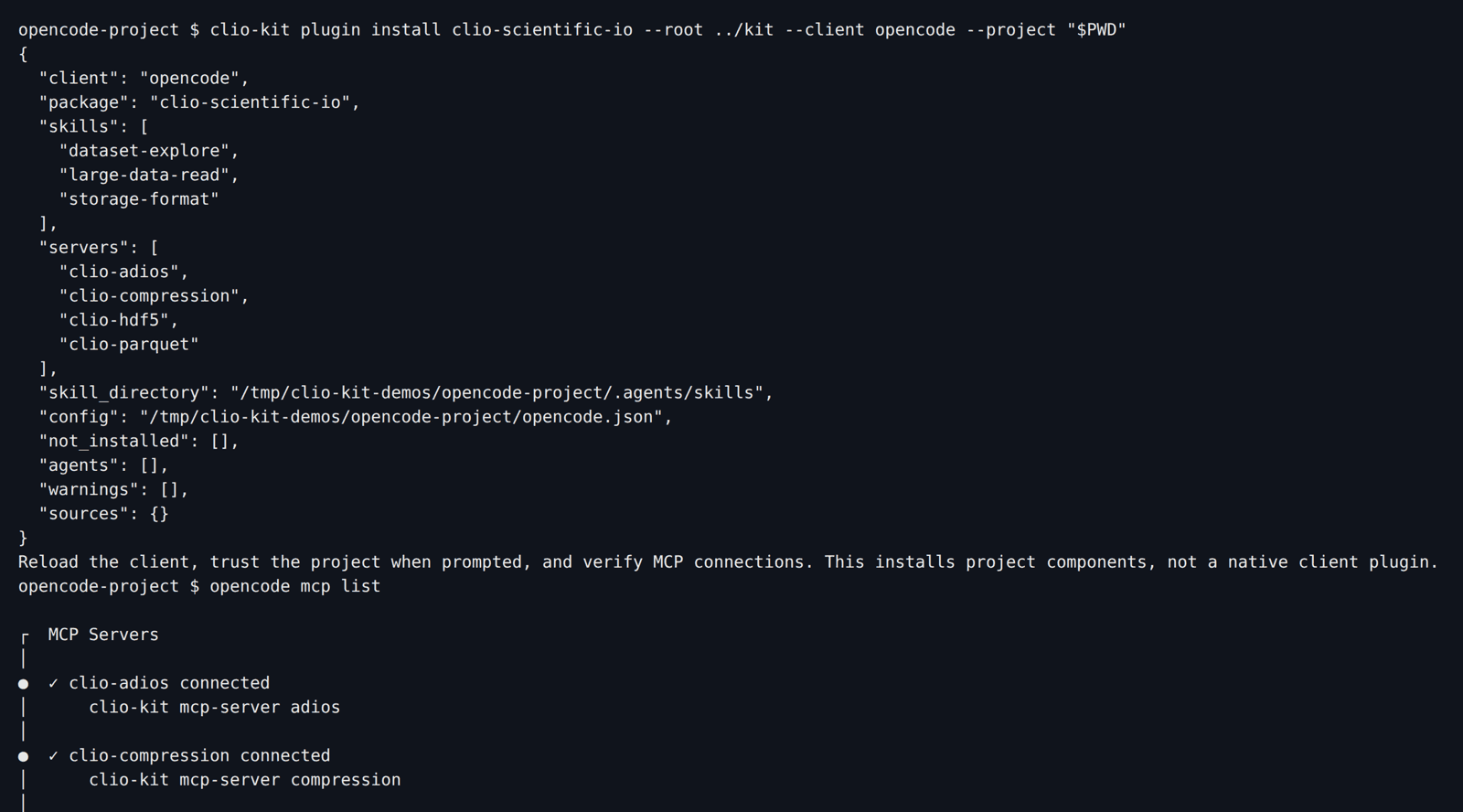
clio-kit plugin install clio-scientific-io \
  --root /path/to/clio-kit --client opencode --project "$PWD"
opencode mcp list
The installer writes local MCP entries to opencode.json and copies the skills
to .agents/skills. opencode mcp list confirms each server connects:
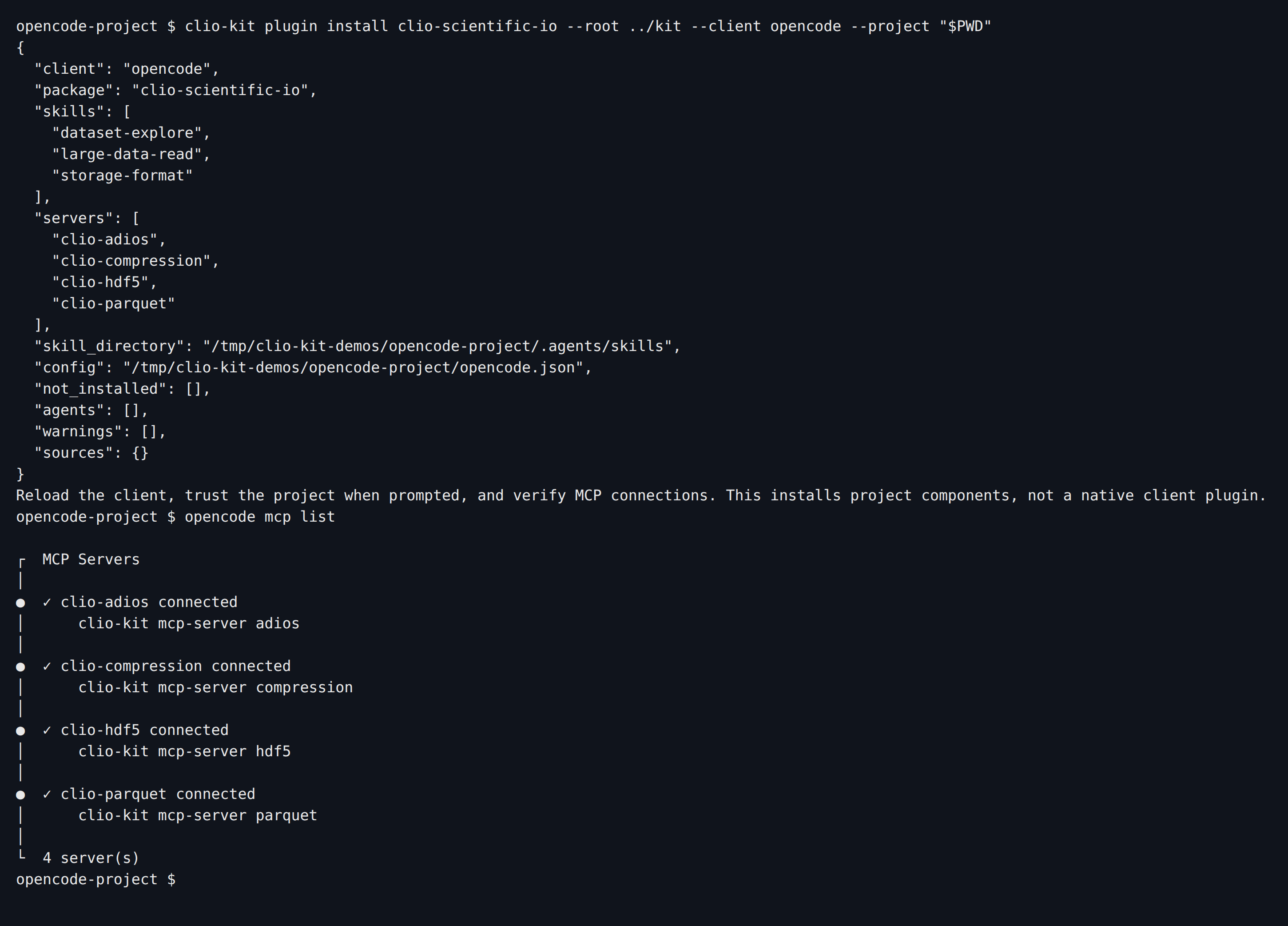
This route installs portable components; it does not translate native agents and hooks into every client. Follow the HDF5 workflow to verify use in your client.
5. Install a native plugin in Claude Code
claude plugin marketplace add /path/to/clio-kit
claude plugin install clio-scientific-io@clio-kit --scope project
claude mcp list

Keep the launcher installed: a manifest starts clio-kit; it does not contain
all the runtime dependencies itself. Restart the session, inspect the connected
servers and try the storage skill.
Use one route per component to avoid duplicate MCP registrations or skill copies. For updates, removal, PATH issues and other agents, see client setup. For a plugin you authored yourself, continue to contribution.